How To Restore a Project Paused for More Than 1 Year
Last edited: 10/9/2026
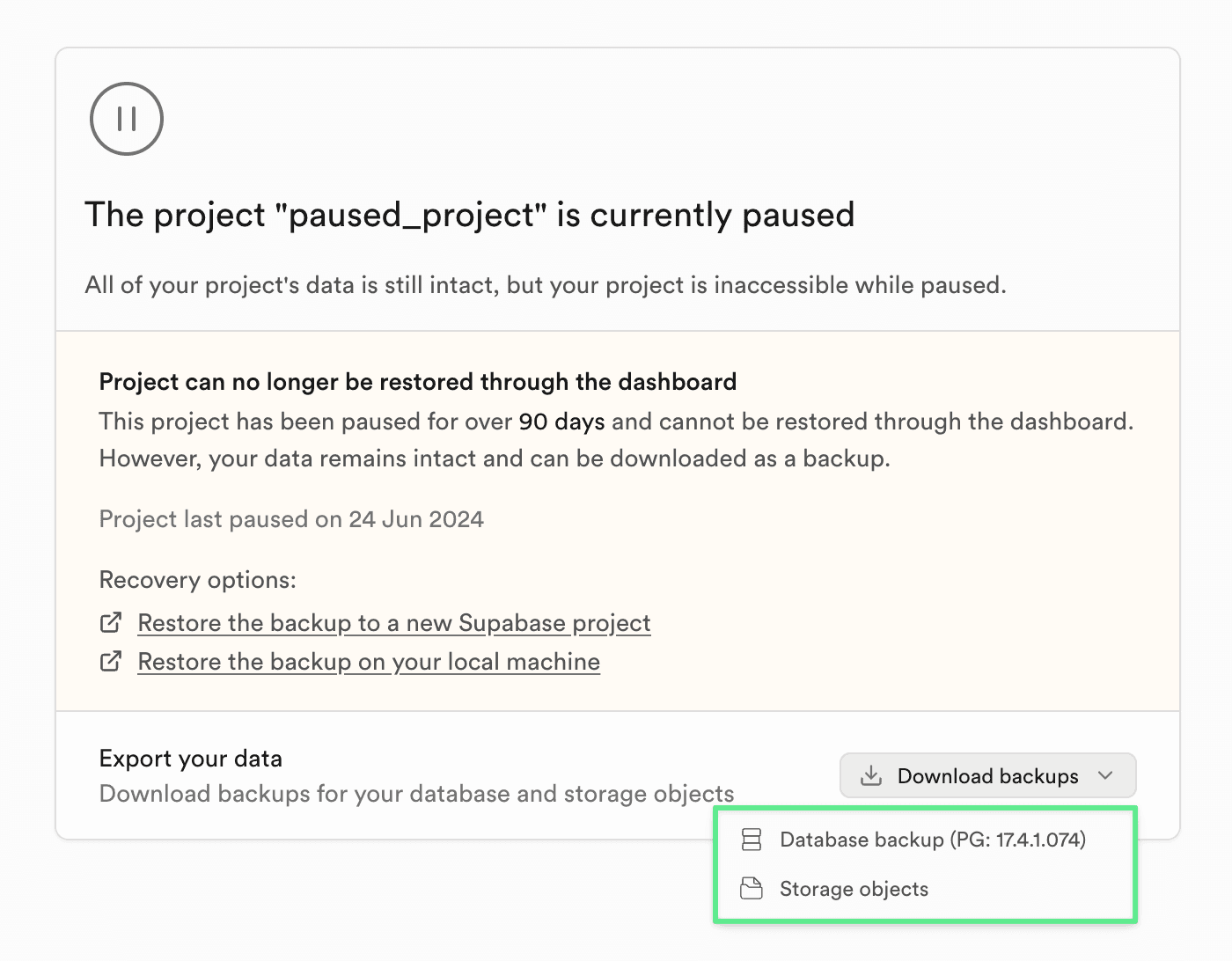
Projects paused for more than 1 year can no longer be restored through Supabase Studio. You can still recover your data by downloading the available backups and migrating them to a new project.
Both the database backup and Storage objects can be downloaded from the Project Overview section in Supabase Studio before the project is deleted.
Check this short video walk-through of the full migration process.
Step 1: Download your backups#
In the Project Overview of your paused project, download:
- Database backup — the
.backupfile from the Backups section - Storage objects — all files from your Storage buckets
Once a project is deleted, all associated data including backups is permanently removed and cannot be recovered.
Step 2: Create a new Supabase project#
Create a new project at database.new and configure it to match your previous setup (extensions, webhooks, Realtime publications, etc.).
Step 3: Restore the database#
Get the Session pooler connection string for your new project from the Connect dialog. Replace the [YOUR-PASSWORD] placeholder in the connection string with your database password. If you don't remember it, reset it in Database Settings.
Unzip the downloaded backup file if it has a .gz extension, then run:
psql -d [CONNECTION_STRING] -f /path/to/backup_file.backupSome errors like object already exists are expected and can be safely ignored — they occur because the new project already has the default Supabase schemas applied.
See the Restore Dashboard backup guide for detailed instructions and troubleshooting.
Step 4: Restore Storage objects#
Use the Supabase CLI to copy your downloaded storage files to the new project's buckets:
supabase loginsupabase link --project-ref [NEW_PROJECT_REF]supabase storage cp /path/to/downloaded/files ss:///bucket_name -r --experimentalRepeat for each bucket. See the supabase storage cp reference for all available flags.
Step 5: Copy project configurations#
Use the Management API to copy configurations (Auth, Realtime, Storage, etc.) from the paused project to the new one. You need Owner or Admin permissions on both projects.
Get your access token from the Account Tokens page, then save the script below to a file and make it executable:
chmod +x sync_supabase_config.shThe script saves both source and target configs to a local config_sync_<timestamp>/ directory so you can review exactly what changed. Use --dry-run to preview differences without applying them.