Back
AutoSend
Overview
AutoSend is an email delivery service for transactional and marketing emails. Use AutoSend with Supabase Auth for delivering your time-sensitive and critical emails in your user's inbox.
Benefits
- Send from your own domain for better brand recognition and deliverability
- Remove rate limits that block your users during signups
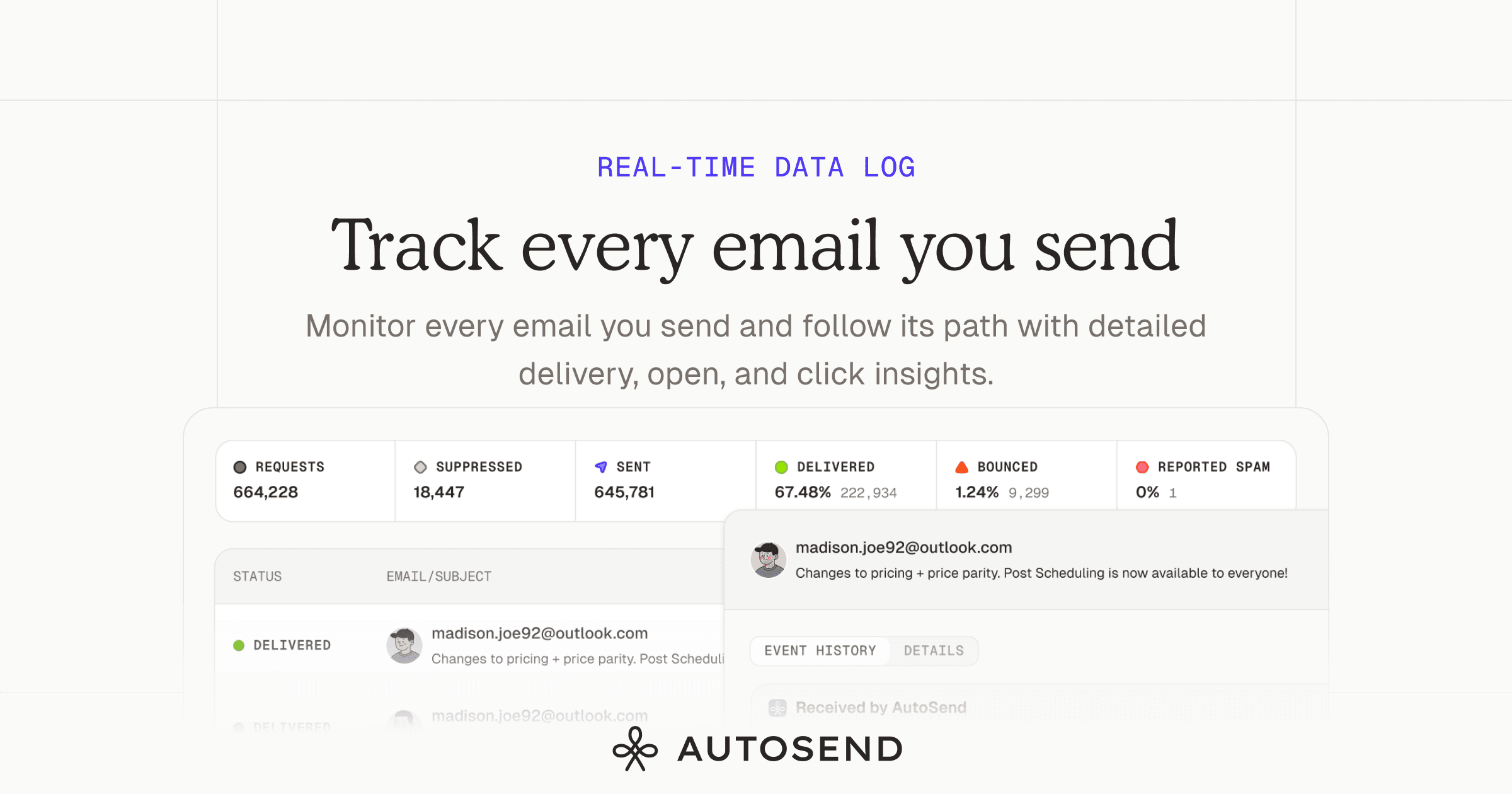
- Track every email with delivery, open, and bounce insights
- Protect your sender reputation with automatic suppression of bounces and spam complaints
Prerequisites
- AutoSend account
- Add and verify your sending domain
- Copy your SMTP credentials from Settings > SMTP in your AutoSend dashboard
Configure Supabase
-
Go to your Supabase project dashboard
-
Navigate to Authentication
-
Under Notifications, you will see Email section.
-
Scroll to SMTP Settings and toggle Enable Custom SMTP
-
Enter your AutoSend SMTP credentials:
Setting Value Sender email noreply@mail.yourdomain.com Sender name Your App Name Host smtp.autosend.comPort 587Username autosendPassword Your AutoSend API key -
Click Save
That's it! Your Supabase auth emails will now be sent through AutoSend.
For a detailed guide, check https://docs.autosend.com/guides/smtp/supabase
Details
Third-party integrations and docs are managed by Supabase partners.