
ParadeDB

Overview
ParadeDB × Supabase: Simple, Elastic-Quality Search for Supabase Apps
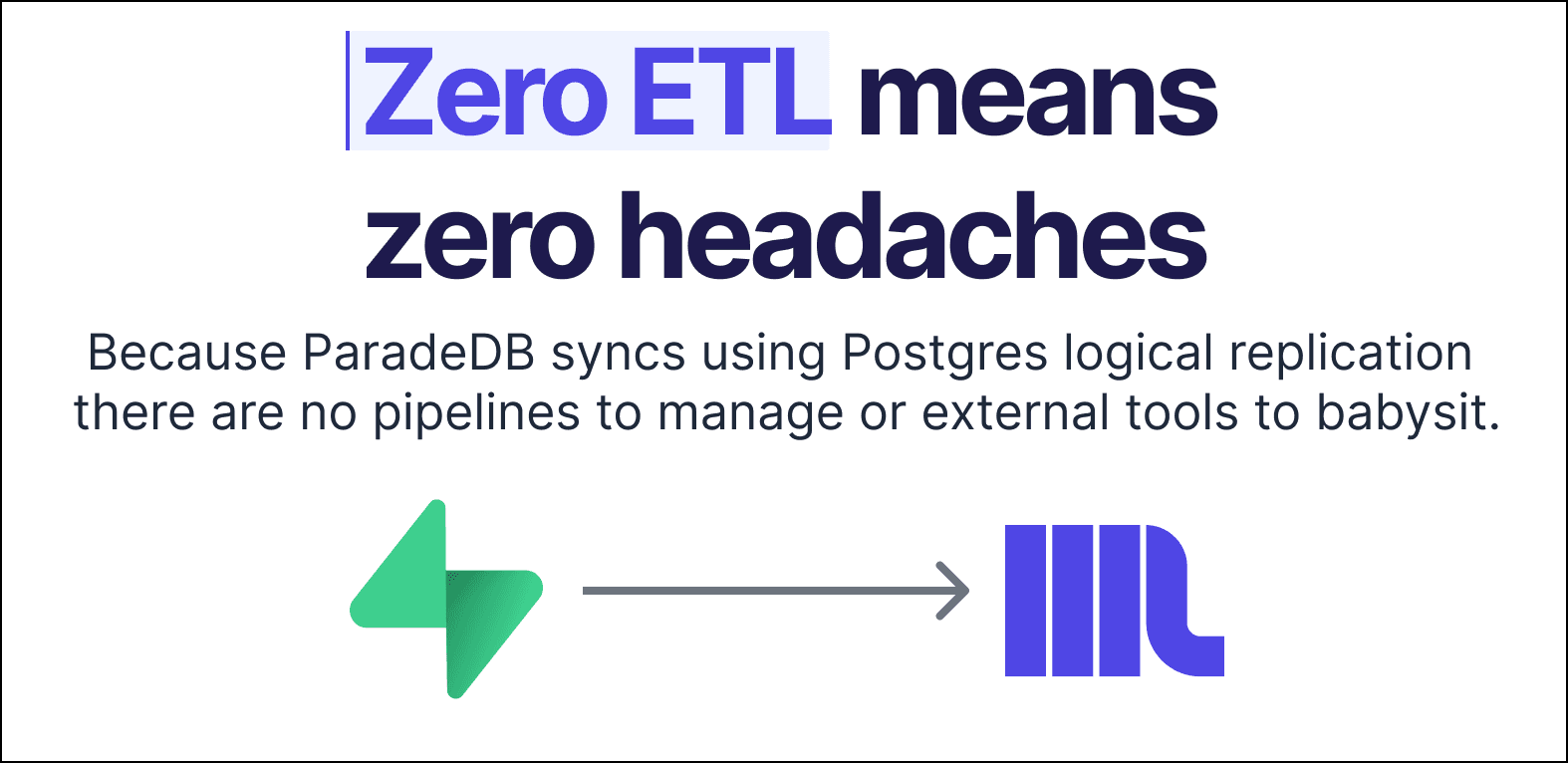
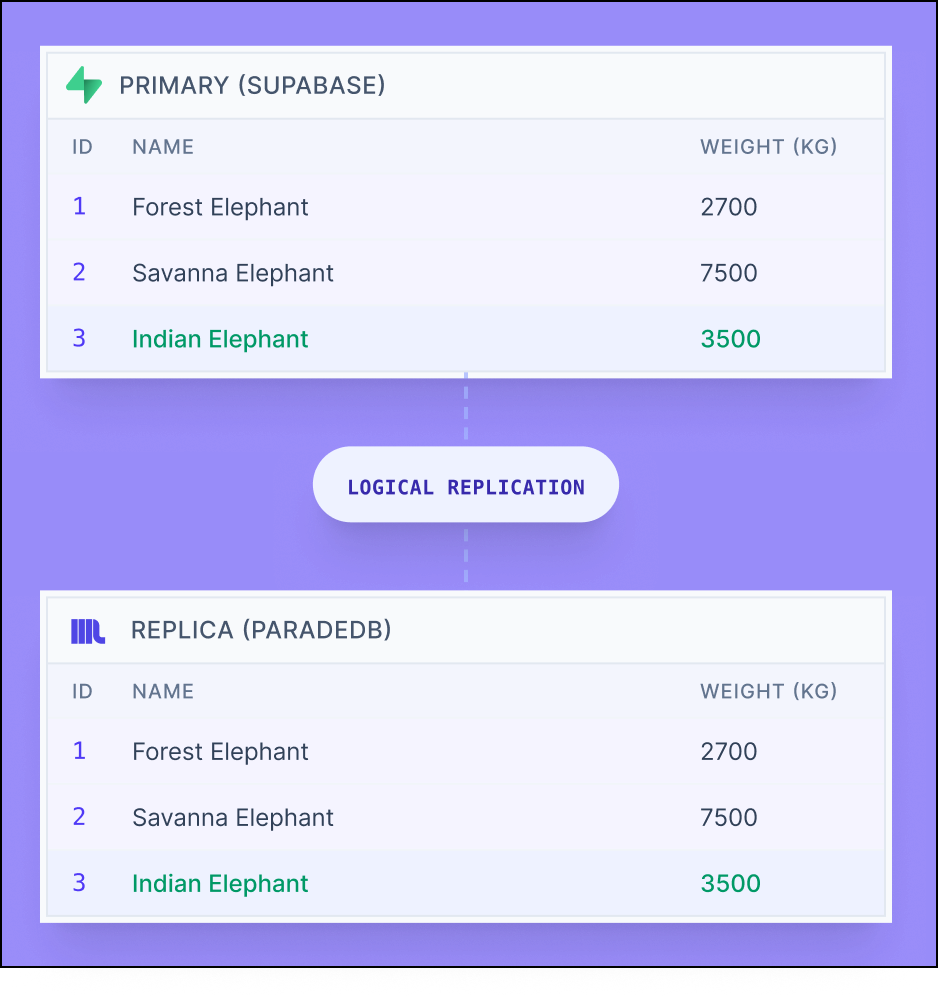
ParadeDB is a Postgres-native search and analytics engine. When paired with Supabase, it runs as a logical replica of your primary database—keeping data in sync with zero ETL while isolating heavy search workloads from your transactional write path.
- Supabase Postgres is your system of record for writes, auth, RLS, and OLTP traffic
- ParadeDB acts as a read-optimized search layer for full-text search, semantic (vector) search, filtering, and faceting
Common use cases
-
Full-text search without impacting OLTP
Ranking, filtering, and aggregation queries run on ParadeDB instead of your primary database, reducing latency spikes and protecting transactional workloads.
-
Search features beyond built-in Postgres FTS
Build BM25 indexes across multiple columns for industry-standard ranking, filter and aggregate efficiently, and use advanced features like field boosting, proximity search, regex filters, and non-Latin language tokenization. Combine lexical and vector search using reciprocal rank fusion (RRF) for hybrid search.
-
Zero-ETL search architecture
ParadeDB stays in sync with Supabase using Postgres logical replication, eliminating dual-writes and external indexing pipelines.
How the integration works
- Deploy ParadeDB in an environment reachable from Supabase.
- In Supabase, create a publication and logical replication slot, then add the tables you want to replicate.
- In ParadeDB, create a subscription using Supabase’s direct connection string.
- Create BM25 indexes on the replicated tables and start querying.
Step-by-step
1) Deploy ParadeDB
For a quick start you can deploy ParadeDB using Docker.
_10docker run \_10 --name paradedb \_10 -e POSTGRES_USER=myuser \_10 -e POSTGRES_PASSWORD=mypassword \_10 -e POSTGRES_DB=mydatabase \_10 -v paradedb_data:/var/lib/postgresql/ \_10 -p 5432:5432 \_10 -d \_10 paradedb/paradedb:latest
Make sure your ParadeDB instance is reachable from Supabase.
2) On Supabase: create a publication
In the Supabase SQL editor (or a direct connection), create a publication:
_10CREATE PUBLICATION paradedb_pub;
Add the table you want replicated:
_10ALTER PUBLICATION paradedb_pub ADD TABLE public.your_table;
While a Postgres publication can include multiple tables, we don’t recommend this for high-volume production workloads. PostgreSQL 18 and below use a single apply worker per publication, which can become a bottleneck. This is expected to improve in PostgreSQL 19.
3) On Supabase: create a logical replication slot
_10SELECT pg_create_logical_replication_slot('paradedb_slot', 'pgoutput');
4) On ParadeDB: create the subscription to Supabase
_10CREATE SUBSCRIPTION paradedb_sub_10CONNECTION 'host=YOUR_SUPABASE_HOST user=postgres password=YOUR_PASS dbname=postgres'_10PUBLICATION paradedb_pub_10WITH (copy_data = true, create_slot = false, slot_name = paradedb_slot);
Make sure that:
- You use the "Direct connection" string from Supabase
- Your destination supports IPv6 or enable Supabase’s IPv4 add-on if needed.
5) Create a BM25 index on the replicated table
Once data is present in ParadeDB, activate the pg_search extension, then create your first BM25 index.
_10CREATE EXTENSION IF NOT EXISTS pg_search;_10_10CREATE INDEX your_search_idx ON public.your_table_10USING bm25 (id, title, body, category, created_at)_10WITH (key_field = 'id');
Make sure that the first column in your index is your primary key, and include fields you plan to search, filter, GROUP BY, ORDER BY, or aggregate as part of search (even if they aren’t all text).
6) Query ParadeDB from your app
You run your full-text search queries in ParadeDB rather than from Supabase. ParadeDB comes with several search operators, the most commonly used are:
|||gives you match disjunction (OR)&&&gives you match conjunction (AND)
For example, to find all rows in which body contains running and shoes , ordering the results by BM25 score:
_10SELECT id, title, category, pdb.score(id) AS score_10FROM public.your_table_10WHERE body &&& 'running shoes'_10ORDER BY score DESC_10LIMIT 20;
With ParadeDB and Supabase, you get Elastic-grade search without impacting your Supabase service, or leaving the Postgres ecosystem.
For more information have a peek at our full-text search docs.
Details
Third-party integrations and docs are managed by Supabase partners.