
Update: October 2, 2026. BigQuery, ClickHouse, DuckLake, and Snowflake are now available in public alpha. The destination early-access form has been retired. To get started, see the destination guides. The original announcement follows.
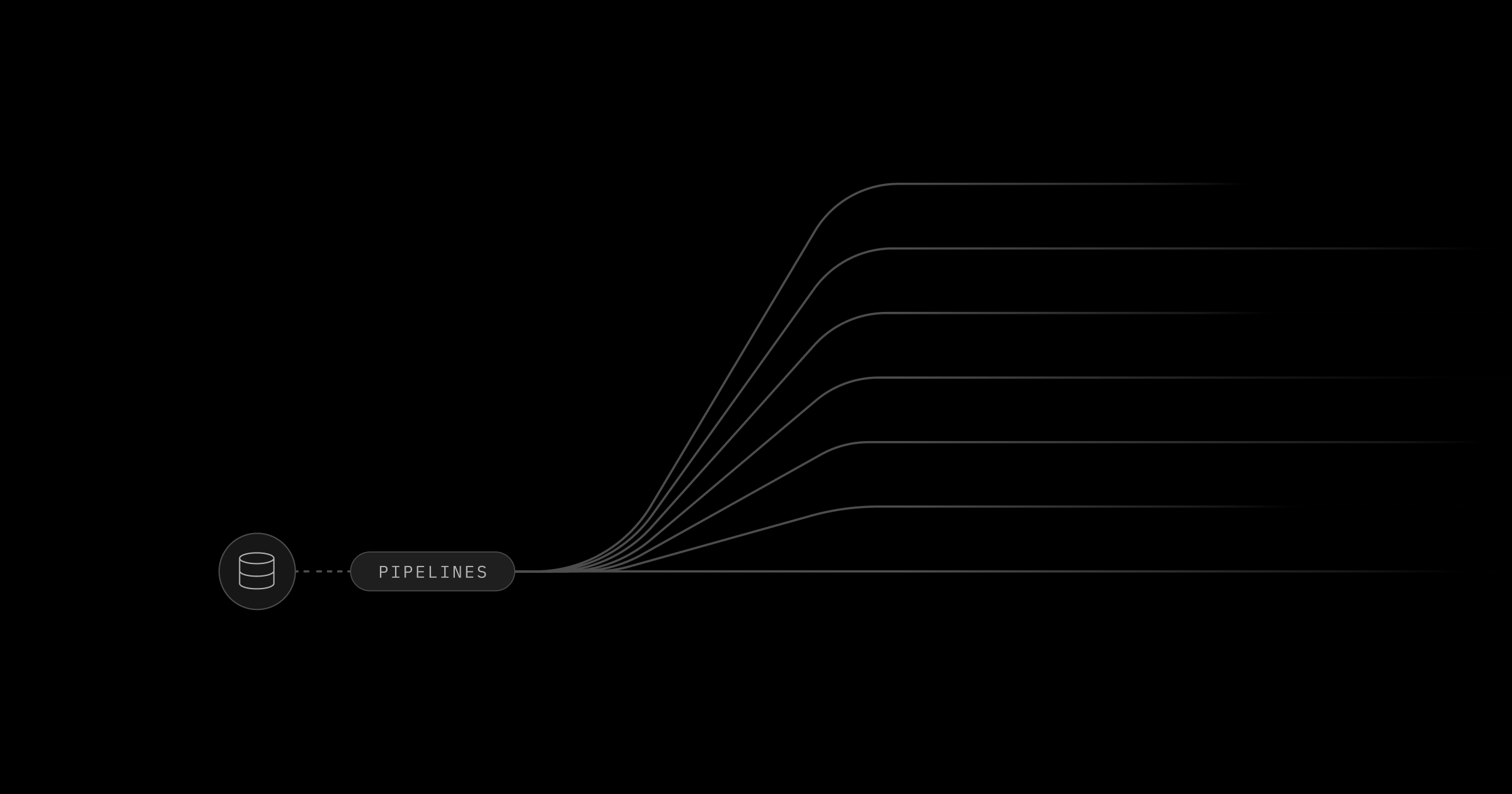
Today we're introducing Supabase Pipelines: managed change-data-capture pipelines that replicate your Postgres tables to analytical destinations in near real time.
Pipelines reads changes from your Postgres database and writes them to supported destination systems. It uses logical replication to capture inserts, updates, deletes, and truncates as they happen. Setup takes minutes in the Supabase Dashboard.
The first supported destination is Google BigQuery.
Pipelines is powered by the open-source Supabase ETL engine. You can find the code on GitHub at github.com/supabase/etl.
Why separate OLTP and OLAP?#
Postgres is excellent for transactional workloads like reading a single user record or inserting an order. But when you need to scan millions of rows for analytics, Postgres slows down.
Analytical systems are designed for this. They can aggregate massive datasets orders of magnitude faster, compress data more efficiently, and handle complex analytical queries that would choke a transactional database.
Pipelines gives you the best of both worlds: keep your app fast on Postgres while unlocking analytics on purpose-built systems.
How it works#
Pipelines captures the changes selected by your Postgres publication and delivers them to your analytics destination in near real time.
Here's how:
-
You create a Postgres publication that defines which tables to replicate
-
You add a destination that connects the publication to an analytical system
-
The pipeline reads changes from the publication through a logical replication slot
-
Changes are batched and written to your destination
-
Your data is available for querying in the destination
The pipeline starts with an initial sync of your selected tables, then begins ongoing replication. Changes are batched, so replication latency depends on source activity, network conditions, and destination throughput.
Setting up Pipelines#
You configure Pipelines entirely through the Supabase Dashboard. No code required.
Step 1: Create a publication#
A publication defines which tables to replicate. You create it with SQL or via the UI:
_10-- Replicate specific tables_10create publication analytics_pub_10for table events, orders, users;_10_10-- Or replicate all tables in a schema_10create publication analytics_pub_10for tables in schema public;
Step 2: Enable Pipelines#
Navigate to Database in your Supabase Dashboard. Select the Pipelines tab, click Add destination, choose a Pipelines destination, and click Enable Pipelines.
Step 3: Configure the destination#
Configure your destination details, choose a publication, and click Create and start pipeline.
Step 4: Monitor your pipeline#
The Dashboard shows pipeline status and lag. You can start, stop, restart, or delete pipelines from the actions menu.
Available destinations#
Our goal with Pipelines is to let you connect your existing data systems to Supabase. We're actively expanding the list of supported destinations. The first supported destination is Google BigQuery.
BigQuery is Google's serverless data warehouse, built for large-scale analytics. It handles petabytes of data and integrates well with existing BI tools and data pipelines.
When you replicate to BigQuery, Pipelines handles the ongoing change delivery so your analytical system stays up to date.
Adding and removing tables#
You can modify which tables are replicated after your pipeline is running.
To add a table:
_10alter publication analytics_pub add table products;
To remove a table:
_10alter publication analytics_pub drop table orders;
After changing your publication, restart the pipeline from the Dashboard actions menu for the changes to take effect.
Note: The pipeline does not remove data from your destination when you remove a table from a publication. This is by design to prevent accidental data loss.
When to use Pipelines vs read replicas#
Read replicas and Pipelines solve different problems.
Read replicas help when you need to scale concurrent queries, but they're still Postgres. They don't make analytics faster.
Pipelines moves your data to systems built for analytics, keeping heavy analytical queries away from your production database. Query performance, storage format, compression, and destination costs depend on the destination you choose.
You can use both: read replicas for application read scaling, Pipelines for analytics.
Things to know#
Replication with Pipelines has a few constraints to be aware of:
- BigQuery requires every source table to have a primary key, and the publication must include its columns
- Generated columns are not supported
- Custom data types are replicated as strings
- Schema change support is currently in beta and limited to the supported BigQuery changes
- Data is replicated as-is, without transformation
- During the initial sync, changes continue accumulating in the WAL and are applied as each table catches up
BigQuery is currently available. You can request early access to ClickHouse, Snowflake, and DuckLake while we expand destination support.
Pricing#
Pipelines is billed for configured pipeline hours and Postgres row data processed during initial sync and ongoing replication. See Pipelines pricing for the measurement definition, current rates, and billing examples. Destination-provider charges, such as BigQuery charges from Google Cloud, are separate.
Get started#
Supabase Pipelines is currently in public alpha. Features and behavior may change as we continue developing the product. If Pipelines isn't available for your organization yet, request access in the Dashboard or contact your account manager.
If you want to dive into the code, the underlying Supabase ETL engine is open source and written in Rust. Check out the repository at github.com/supabase/etl.
Note: Supabase ETL is now Supabase Pipelines. This video was recorded before the rename; Supabase ETL now refers to the underlying engine that powers Pipelines.